Standing desk converter solutions have become the fastest, most affordable way to upgrade a standard desk for healthier work routines. As more remote and office professionals look to reduce aches, boost energy, and minimize long sitting hours, these convenient sit stand desk toppers outperform traditional static risers or makeshift DIY setups.
Key Takeaways
- Sit stand desk toppers offer a budget-friendly, flexible way to reduce long sitting hours without buying a full new desk.
- Quality and usability vary widely—stability, adjustment smoothness, and ergonomics must be evaluated carefully before buying.
- Correct setup and regular posture changes with an ergonomic desk converter can help reduce discomfort and improve energy during workdays.
- What Is a Standing Desk Converter and Why Use One?
- How to Set Up and Use a Standing Desk Converter (Step by Step)
- Real-World Performance, Pitfalls, and Industry Insights
- Conclusion: Are Standing Desk Converters Worth It?
- FAQ: Standing Desk Converters
What Is a Standing Desk Converter and Why Use One?
A standing desk converter (also called a sit stand desk topper, adjustable desk riser, or ergonomic desk converter) is a device that sits on your current desk, letting you quickly switch between sitting and standing throughout the workday. Most converters use either a gas spring–assisted, electric, or mechanical lift system and offer multiple height positions for both screens and keyboard/mouse platforms.
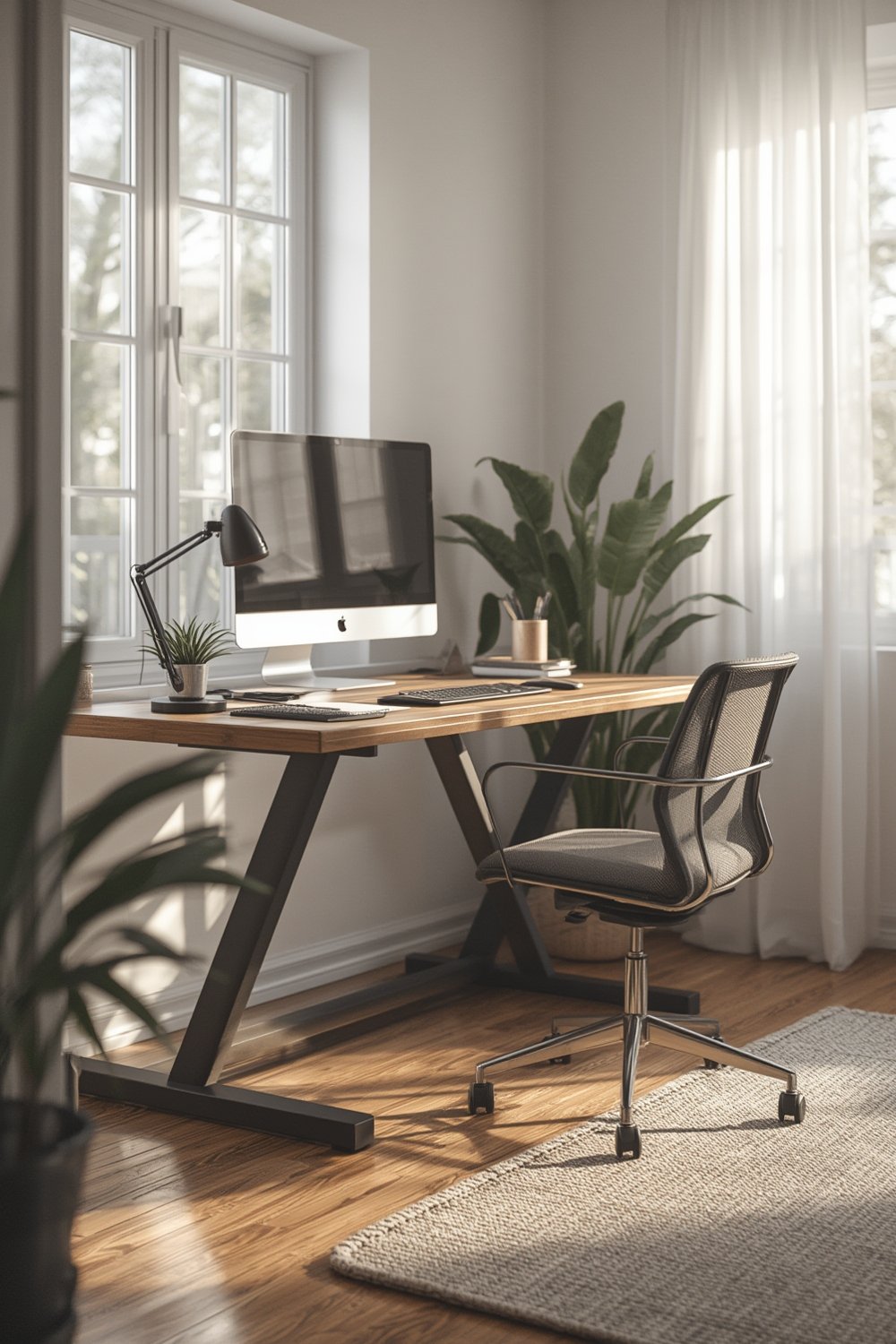
Why do so many people add a standing desk converter? Research from 2024 shows that using height-adjustable workstations, including desk toppers, can reduce back and neck pain, improve posture, and even boost energy and attention levels during the workday. Risks of prolonged sitting include higher odds of cardiovascular disease, obesity, and chronic pain. Just swapping three hours per day from sitting to standing can potentially burn an extra 30,000 calories per year, according to evidence cited from multiple large studies (source).
Unlike full sit–stand desks, converters are portable, easy to install, and far more affordable. Quality models start well under $200, with high-end electric models reaching closer to $500. Whether you work at home or in an open office, making your workspace flexible is a proven way to encourage healthier habits and fight desk fatigue. This trend is growing fast, similar to how more people are seeking indoor self watering pots for plant care or modular patio seating for flexible outdoor living. The goal: making life and work simpler, healthier, and easier to adapt.
How to Set Up and Use a Standing Desk Converter (Step by Step)
Getting the most out of an adjustable desk riser requires more than just dropping it on your table. Here’s how to do it right:
- Measure Your Desk and Items: Before purchasing, check the depth and width of your desk and compare it to the converter’s base footprint. Make sure you leave at least an inch of extra room, and confirm your desk edge isn’t rounded or beveled—overhang can cause stability issues.
- Clear Your Space: Remove monitors, lamps, and other equipment. It’s often necessary to temporarily detach monitor arms. If your desk has under-table trays or drawers that stick out, measure if the converter will block them.
- Position the Converter: Center the base on your desk so the weight is distributed over a solid platform. Avoid placing the unit too close to the desk edge.
- Attach Monitors and Set Ergonomics: Some converters allow direct attachment of monitor arms; others require you to simply stand monitors on top. Aim for the top of your monitor to be at or just below eye level; elbows at about 90 degrees for both sitting and standing.
- Route Cables and Power: Use cable ties or sleeves to bundle cords and allow enough slack for raising and lowering the converter. Some premium models include grommets or routing trays—use them for a cleaner look and safer operation.
- Test the Lift: With equipment mounted, test the lifting and lowering action several times. The movement should be smooth and require moderate force at most. If you notice jerks or the keyboard tray flops, remove weight and check for adjustment screws or balancing mechanisms. For electric models, run through full up–down cycles to ensure there’s no binding or excessive noise.
- Use in Daily Work: Alternate between sitting and standing every 30–60 minutes. Start with 1–2 standing intervals a day and gradually increase as you feel comfortable. Many users report improved mood, less fatigue, and better back comfort in as little as one week (source).
- Optional Accessories: Consider adding an anti-fatigue mat, cable management trays, or even an under-desk footrest to round out your ergonomic workstation.
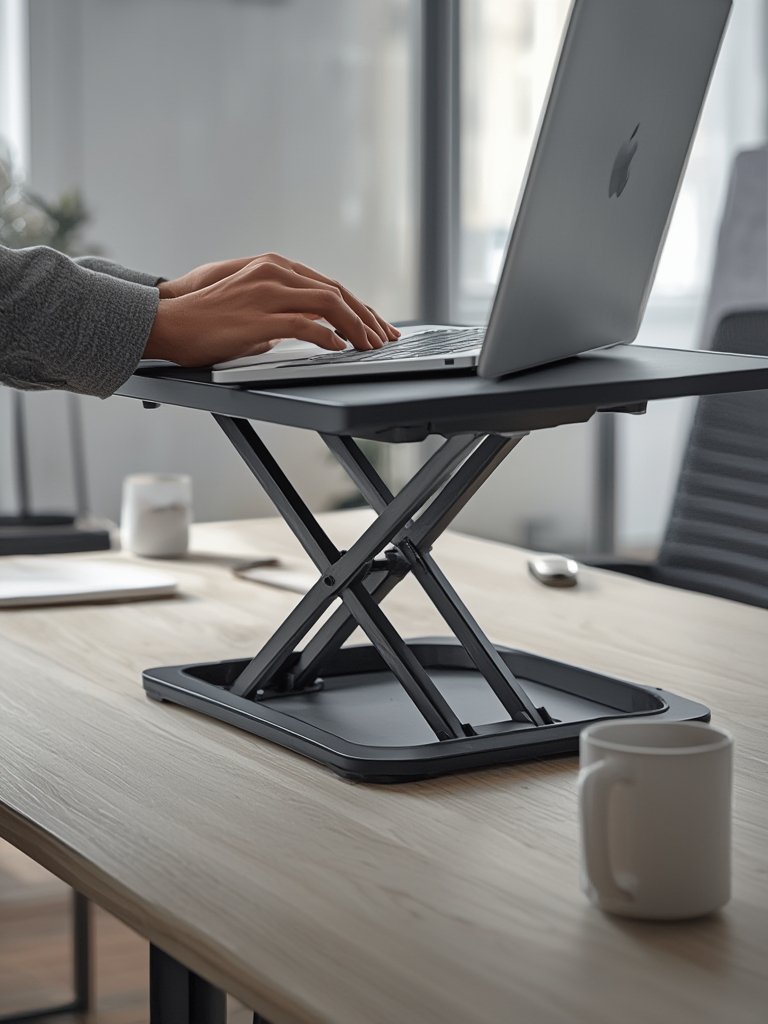
Proper setup of your ergonomic desk converter can prevent the most common issues seen in product reviews: wobbling, awkward height, and poor cable management. By following these steps, you’ll get smoother adjustments and long-term comfort compared to a basic stacking riser or static solution. For inspiration on how ergonomic upgrades can improve other spaces, check out our guides on solar garden lights waterproof and cat water fountains for healthier, less-maintenance living—both follow the same principle: simple upgrades that yield long-term well-being.
Real-World Performance, Pitfalls, and Industry Insights
Even with perfect installation, real usability and satisfaction depend on daily experience. Here’s how the market’s most common complaints, pitfalls, and specs stack up in 2024:
Comparison Table: Popular Standing Desk Converter Types
| Type | Typical Price | Weight Capacity | Material Quality | Adjustment | Stability/Issues |
|---|---|---|---|---|---|
| Manual Z-lift (gas spring) | $150–$350 | 20–35 lb | MDF, Steel, Good laminate | Wide, smooth range | Stable, but can require heavy lift force if loaded |
| Manual X-frame (scissor) | $70–$250 | 18–33 lb | More plastic, thin laminate | Vertical, can shift towards user | More sway and rocking; lower stability |
| Electric converters | $250–$500+ | 35–55 lb | Thicker MDF, Steel, Quiet motor | Button, precise | Very stable, but heavier; must manage cords/power |
| Column-lift clamp-on | $200–$450 | 20–35 lb | Steel, laminate | Vertical, moderate range | Narrow platforms, often best for single monitors |
| Stacking riser/fixed-step | $70–$150 | 15–22 lb | Plastic, low-cost laminate | Static, limited | Poor ergonomics, least stable |
Common Pitfalls and How to Avoid Them
- Wobble during typing: Choose models with a wide, stable base and stiff steel frame. X-frame and budget risers are more likely to rock.
- Difficult lifting/lowering: Look for smooth gas springs with the correct force rating for your gear. Test adjustment before loading expensive monitors.
- Insufficient height range: If you are over 6 feet tall, check max lift specs—many converters are too low at full extension, which causes neck strain.
- Surface space: Dual monitors? Confirm the main platform and keyboard tray will actually fit your hardware. Look for product diagrams or real user photos.
- Monitor arm compatibility: Not all converters work safely with C-clamp or grommet-mounted monitor arms. Weight at the edges can destabilize the lift.
- Obstructed desk drawers: Large base plates and deep platforms often block drawers or cable channels under your real desk. Plan layout accordingly.
- Noise in electric lifts: Read user reviews. Cheap motors can be surprisingly loud and slow, even at premium price points.
- Assembly issues: Favor converters that come mostly pre-assembled with simple cable management. DIY assembly with vague instructions is the fastest route to frustration.
Serious pros should also factor in certifications like BIFMA (structural safety) and GREENGUARD (low VOC emissions). High-quality models show these standards in specifications—budget imports usually do not.
Consider longevity and adjustability, too. Inferior gas springs, poor banding, and cheaper hardware can fail within two years. If you’re spending $250–$400, check if the manufacturer sells replacement parts. For a deeper dive into desk equipment standards, our guide to metal raised garden beds covers similar safety and material certification issues for DIY and outdoor gear buyers.

Industry trends show prices holding steady this year, with midrange models gaining better laminate and larger trays at little extra cost. Always double-check real user reviews to see which brands stand up to daily wear—most highly-rated converters earn 4.3 to 4.7 stars, with major deductions for wobble, tough adjustments, or poor fit and finish (see evidence).
The standing desk converter boom is following a pattern seen across other adjustable furniture and ergonomic categories, just like the surge in self-watering planters and cordless lawn mowers as users prioritize healthy, flexible, and time-saving upgrades.
Conclusion: Are Standing Desk Converters Worth It?
For professionals or students not ready to invest in a high-end sit–stand desk, a standing desk converter offers a smart, cost-effective upgrade. The best options deliver stable, smooth transitions and foster healthier posture and productivity. Key is honest evaluation—avoid budget models that wobble, and always check size and lift specs for your setup.
Ready to try a standing desk converter? Assess your workspace, choose a high-quality topper that fits your needs, and enjoy a flexible new way to work. For related tips on ergonomic upgrades, see our robot lawn mower and cat wall furniture guides.
FAQ: Standing Desk Converters
What is a standing desk converter?
A standing desk converter is a height-adjustable platform that sits on your existing desk. It lets you easily switch between sitting and standing without replacing your furniture or doing permanent installations.
Are standing desk converters safe for heavy monitors?
Most mainstream models safely support dual monitors up to 20–35 lb. Always check weight ratings and verify if your converter supports monitor arms. For extra-heavy setups, consider electric or heavy-duty Z-lift models.
How do I prevent wobbling with a desk converter?
Select a converter style with a wide base and solid steel mechanisms. Avoid loading heavy monitors or arms near the front edge, and use a non-slip pad under the base for extra grip.
Can a standing desk converter help with back pain?
Evidence from recent studies shows that regular posture changes using a sit stand desk topper can help reduce back and neck pain and may improve comfort during work sessions (read study).
What certifications should I check for in a converter?
Look for BIFMA certification for safety and strength, and GEENGUARD or CARB compliance for low VOCs—these indicate higher manufacturing quality and fewer chemical emissions.