Smart pet feeders are changing how pet owners manage daily feeding, offering convenience, consistency, and peace of mind—especially for those with busy lifestyles or multiple pets.
Key Takeaways
- The global smart pet feeder market is growing fast, with Wi-Fi-enabled models leading sales and innovation.
- Real-world issues include jammed kibble, app failures, and power outages—knowing these is key to reliable automated feeding.
- Smart feeders boost schedule consistency but require proper setup, backup planning, and regular maintenance for best results.
- The Core Concept: What Are Smart Pet Feeders?
- Step-by-Step Guide: How to Set Up and Use a Smart Pet Feeder
- Advanced Analysis & Common Pitfalls
- Conclusion
- FAQ
The Core Concept: What Are Smart Pet Feeders?
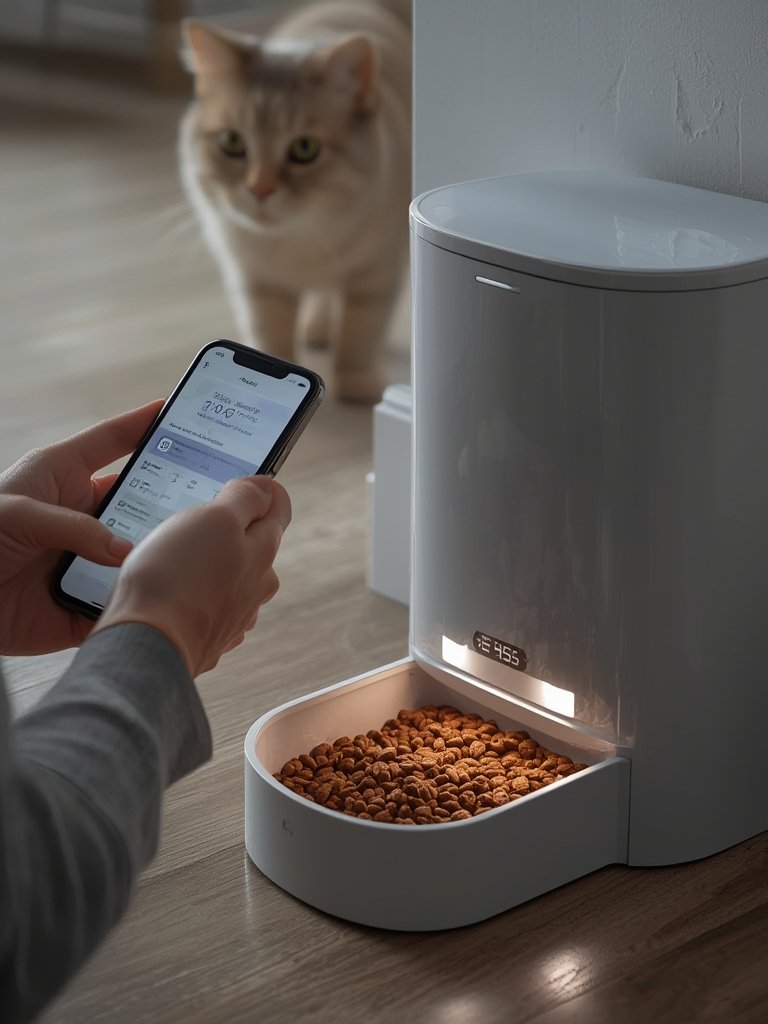
Smart pet feeders are Wi-Fi-connected devices that automatically dispense food on a schedule you control from your smartphone. They help you manage exact meal times and portions, let you check feeding history, and some even work with Alexa or Google Assistant. Most importantly, they reduce the daily task of feeding your pet, making life easier for busy owners or anyone looking to improve feeding consistency.
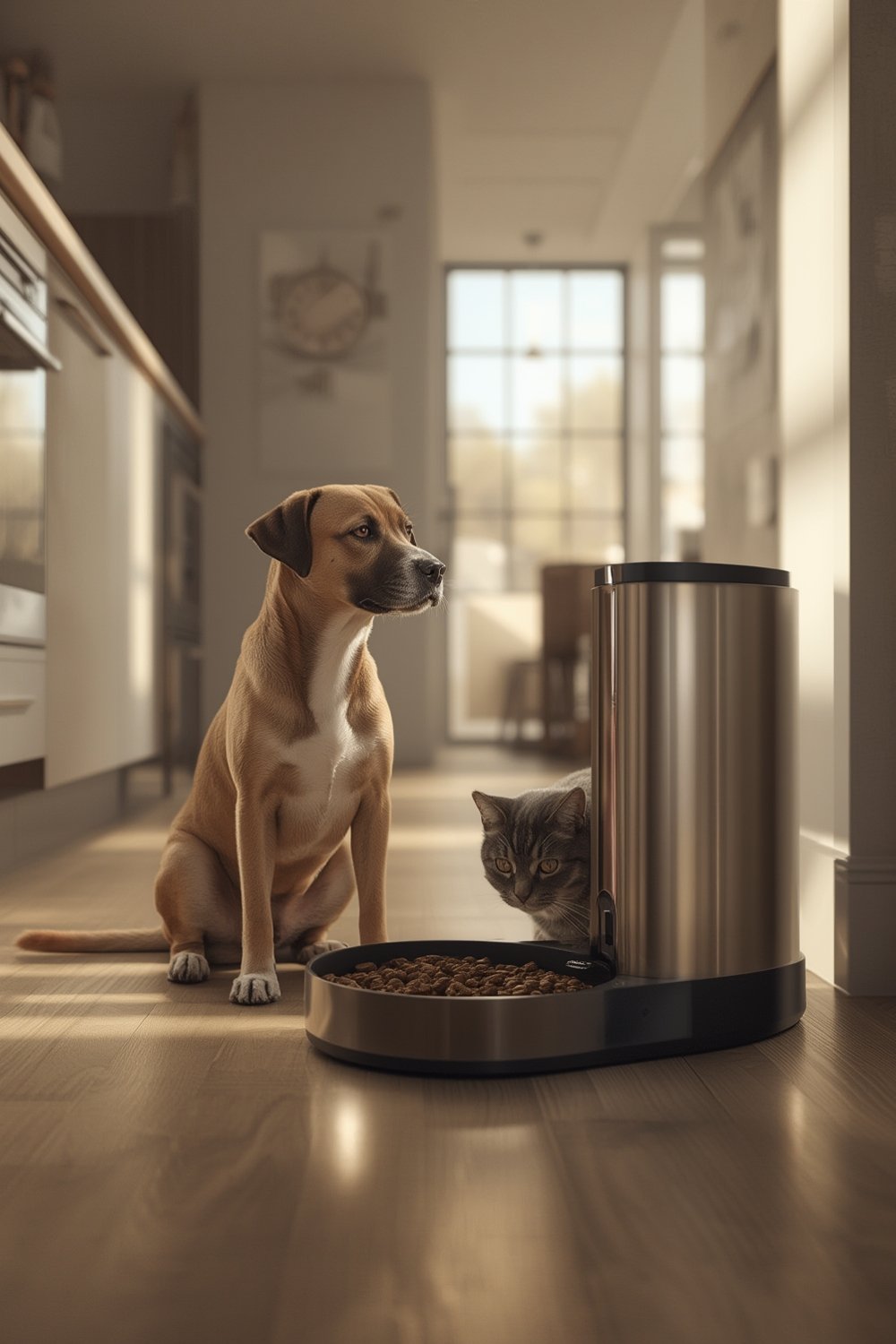
Their popularity is exploding: The global smart pet feeder market is set to surpass USD 1.2 billion in 2024 and could reach nearly USD 7 billion by 2034. Most owners buy for convenience, but smart feeders have special value for weight management, portion-controlled diets, and multi-pet households.
Unlike manual or basic automatic feeders, smart feeders offer features like portion tracking, notifications, remote manual feeding, integration with other smart home devices, and even pet-specific feeding using microchip or RFID/microchip access. For owners who travel or have strict feeding routines for pets with medical needs, these features can make a big difference in animal health and owner peace of mind.
Related reading: Looking for complementary pet tech? Our guides on pet water fountain options and orthopedic dog beds can help you complete your pet wellness setup.
Step-by-Step Guide: How to Set Up and Use a Smart Pet Feeder
- Choose the right feeder for your pets
– Match capacity to your pet’s needs (most feeders: 3-5 liters).
– For special diets or multi-pet homes, pick feeders with RFID/microchip access.
– If you want video, select a model with a camera and app support—these often come at a higher price point. - Prep for reliability
– Place the feeder near a reliable power outlet but within range of your 2.4 GHz Wi-Fi.
– Insert backup batteries and test that it switches to battery when unplugged.
– Avoid locations where curious pets can tip or shake the feeder. - Set up the feeder and app
– Download and install the feeder’s app (iOS or Android).
– Register an account and connect to the device, usually via Bluetooth or QR code.
– Update firmware if prompted before programming feeding times. - Program feeding schedules
– Input your vet-recommended portions and the number of daily feedings.
– Use any available “test feed” mode to ensure dry food flows with your chosen kibble (test kibble shape and size beforehand). - Monitor, maintain, and back up
– Set app alerts for low food, feeding confirmation, and device errors.
– Clean the food path weekly and change desiccant packs regularly.
– Confirm all schedules are stored locally on the device for off-line reliability. - Test backup plans before travel
– Verify feeder continues to operate if Wi-Fi is lost (disconnect router to simulate).
– Have a backup plan (neighbor or sitter) check-in for day-long or critical medical feedings.
Want tech tips for pet owners? Explore our articles on robot lawn mower setups and how self watering planters simplify home care—valuable for any busy household with pets and plants.
Advanced Analysis & Common Pitfalls
Despite strong reviews, thousands of user comments reveal real pain points. Unlike most buying guides, let’s discuss what goes wrong and how to plan around it.
| Pitfall | Common Cause | How to Mitigate |
|---|---|---|
| Missed Meals (Jam/Clog) | Large or irregular kibble; mixed food types; dusty feeders | Only use recommended dry food size/shape; test with your brand; clean frequently. |
| Inaccurate Portions | Low-end mechanisms; portion setting at minimum; mechanical wear | Use mid-range or premium feeders for high accuracy; periodically weigh dispensed portions. |
| Loss of Schedule/Connectivity | Power loss; battery not installed; Wi-Fi only 5 GHz; scheduled on cloud not local | Install backup batteries; test offline operation; pick feeders that store schedule on device. |
| Pets Tampering or Hogging Food | Feeder too light; dominant pets in multi-pet households | Choose feeders with locking lids and heavier bases; consider RFID/microchip feeders for multi-pet. |
| Cloud/App Outages | Servers down; internet cut during travel; firmware bugs | Prefer feeders with local control and non-cloud fallback; keep firmware updated; do test runs before travel. |
| Data Privacy Concerns | Always-connected cameras; unclear privacy policies | Choose brands that publish data retention policies; use camera-off modes if worried. |
Many users also underestimate long-term costs. Entry models start around $60, but adding cloud video, spare parts, and batteries can bring the real three-year cost to $160-$370, as discussed in Precedence Research.
Pet health and smart feeder use are closely linked, but evidence is nuanced. Reports confirm better portion consistency, especially for pets on strict diets. However, there is little peer-reviewed data on health outcomes—so don’t skip vet check-ins or trust the machine blindly, especially if your pet is diabetic or has a medical condition.
For a deep dive into smart gadgets for pet health and comfort, read our coverage of indoor grow lights for plant enthusiasts with pets, or our guide to electric lawn mower options for pet-friendly yards.
Conclusion
Smart pet feeders offer real advantages for portion control and peace of mind, but only if you address setup, connectivity, and maintenance head on. Owners who plan for power outages, test their device with their chosen food, and keep a backup plan get the best out of this technology. If you want to see similar time-saving upgrades, consider our breakdowns of standing desk converter options for home offices or how modular outdoor furniture can simplify patio life. Ready to upgrade pet care routines? Start with a well-chosen smart pet feeder for reliable, healthy feeding, and enjoy the benefits of automation.
FAQ
Do smart pet feeders work without Wi-Fi?
Most can continue basic scheduled feeding if programmed to store schedules locally, but advanced features (alerts, remote changes, video) require Wi-Fi.
How accurate are smart pet feeders for portion sizes?
Portion accuracy varies by model. Premium feeders with weight sensors are more precise, but many entry-level feeders have a variance of 20-30%. Always check with your own food for best results.
What food types can I use in smart pet feeders?
Most only support dry kibble within a specified size (usually up to 10-12 mm). Wet food usually isn’t compatible except for non-Wi-Fi plate-style feeders.
Will my pets be able to break into or tip over the feeder?
Some pets can tip light feeders or fish for kibble through holes. Choose models with locking lids, heavier bases, and anti-tip features if your pet is creative.
Are there privacy risks with Wi-Fi pet feeders?
Wi-Fi video feeders may transmit data or video to company servers. Choose brands with clear privacy policies and disable cameras if privacy is a concern.