### Blog Post:
Robot lawn mower adoption is transforming how homeowners manage their yards, offering automated, hassle-free grass cutting with smart features and connectivity. But are these automatic lawn mowers as reliable, safe, and cost-effective as their promise? This post digs into critical research, technology advances, real user challenges, and the numbers you absolutely need to make a smart decision.
Key Takeaways
- The robot lawn mower market is booming globally, led by rapid growth in residential installations and smarter navigation tech.
- User complaints often center on setup frustration, ongoing maintenance, and struggles with complex lawn shapes or connectivity.
- Robotic lawn mowers can pay for themselves vs. professional services within two to three years, but are less financially compelling than DIY mowing unless convenience is key.
- The Core Concept: What Is a Robot Lawn Mower and Why Choose One?
- Step-by-Step Guide: How to Set Up and Use a Robotic Lawn Mower
- Advanced Analysis & Common Pitfalls: What Could Go Wrong?
- Conclusion
- FAQ
The Core Concept: What Is a Robot Lawn Mower and Why Choose One?
A robot lawn mower is an automatic, battery-powered device designed to autonomously cut your grass using smart navigation and scheduling. Unlike traditional gas or electric push mowers, these devices operate without human guidance, returning to their docks to recharge and often navigating via perimeter wire, sensors, or camera-based “virtual fencing.”
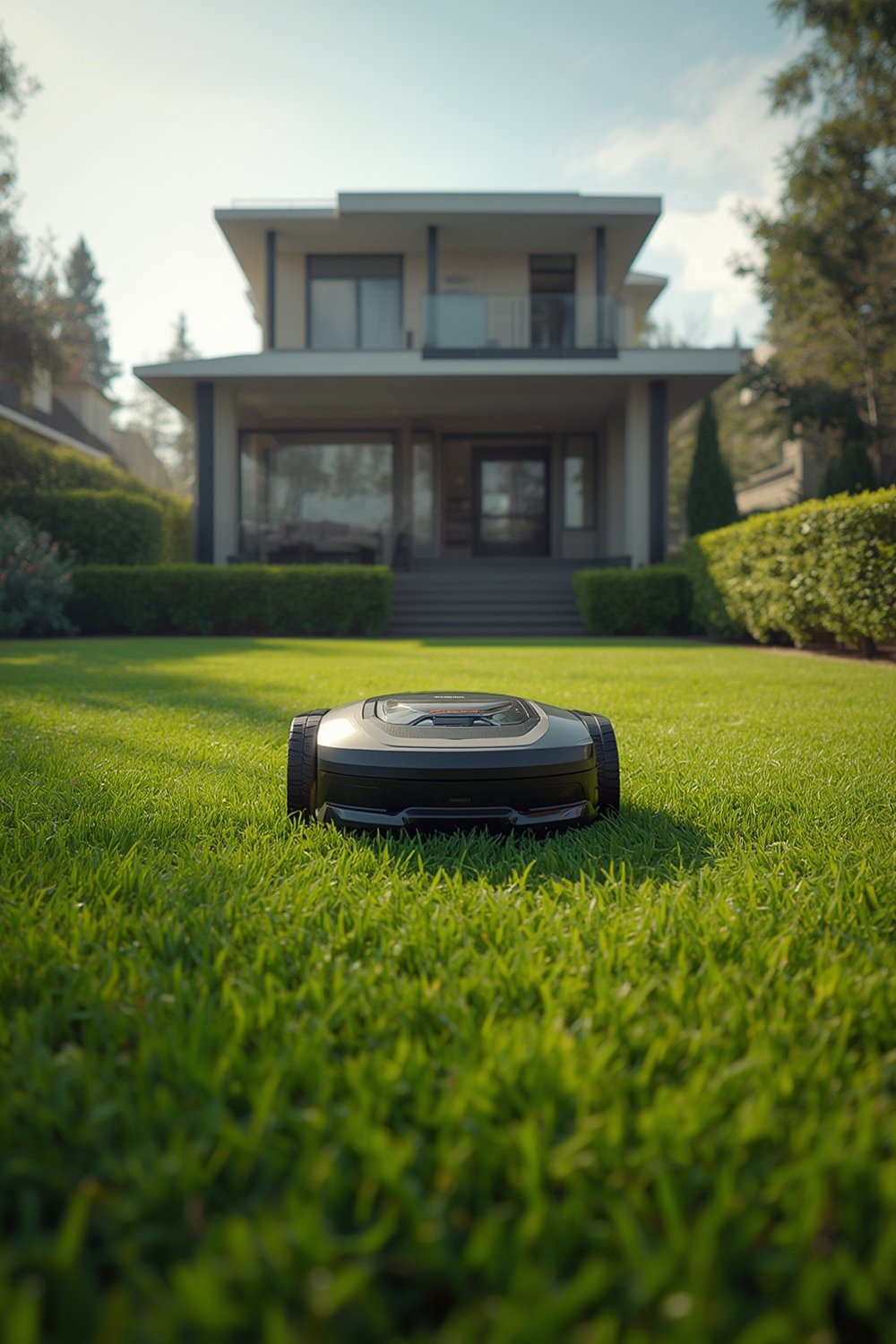
The “why” comes down to time, effort, and consistency. For those seeking to reclaim weekly mowing hours, reduce noise and air pollution, or achieve consistent mulch cuts for a healthier lawn, robot lawn mowers hold clear appeal. Recent innovations have brought systematic mowing, mobile app controls, GPS tracking, and AI-powered navigation—even for lawns with moderate slopes or obstacles.
The robotic lawn mower market now exceeds $8 billion in 2024, buoyed by homeowners’ desire for “hands-off” outdoor maintenance and the extension of smart home ecosystems beyond the living room. Medium-sized lawns (501–2,000 square meters) are the sweet spot, and battery improvements are making multi-zone, multi-day mowing routines possible—even for busy families.
If you’re already exploring automation inside—with products like self watering planters or smart pet feeders—adopting a self mowing lawn mower is the next logical outdoor step.
Step-by-Step Guide: How to Set Up and Use a Robotic Lawn Mower
Getting a smart lawn robot up and running is more hands-on than unboxing a vacuum, but it’s manageable for most homeowners. Here’s what to expect—and how to avoid classic pitfalls.
- Unbox and assemble the mower. Most models are ready to run aside from charging and blade attachment.
- plan and lay boundary wire. For most mowers, this step sets the operational area. Lay wire flush with your lawn edge, around obstacles (trees, flower beds, pools), and use pegs to secure. Leave a gap of 20–30 cm from the true edge to allow for the mower’s overhang—less, and you’ll be left trimming the perimeter by hand often.
- Install the charging dock. Place the dock on level ground with access to a power outlet and good Wi-Fi signal if your mower is app-enabled. Many owners underestimate the need for weather protection—use a purpose-built mower “garage” or place under eaves for best results.
- Set up initial mowing program. Program mowing days and times in the app, or via on-device controls. Start with a daily cut for best mulching in early weeks, then reduce frequency as quality stabilizes.
- Test, calibrate, and observe. Supervise the first few full cycles. Watch for stuck patterns, missed areas, or blade bogging on thick patches—adjust wire or schedule as needed.
- Routine maintenance. Check blades every month, clean the undercarriage to prevent clippings buildup, and check for software updates.
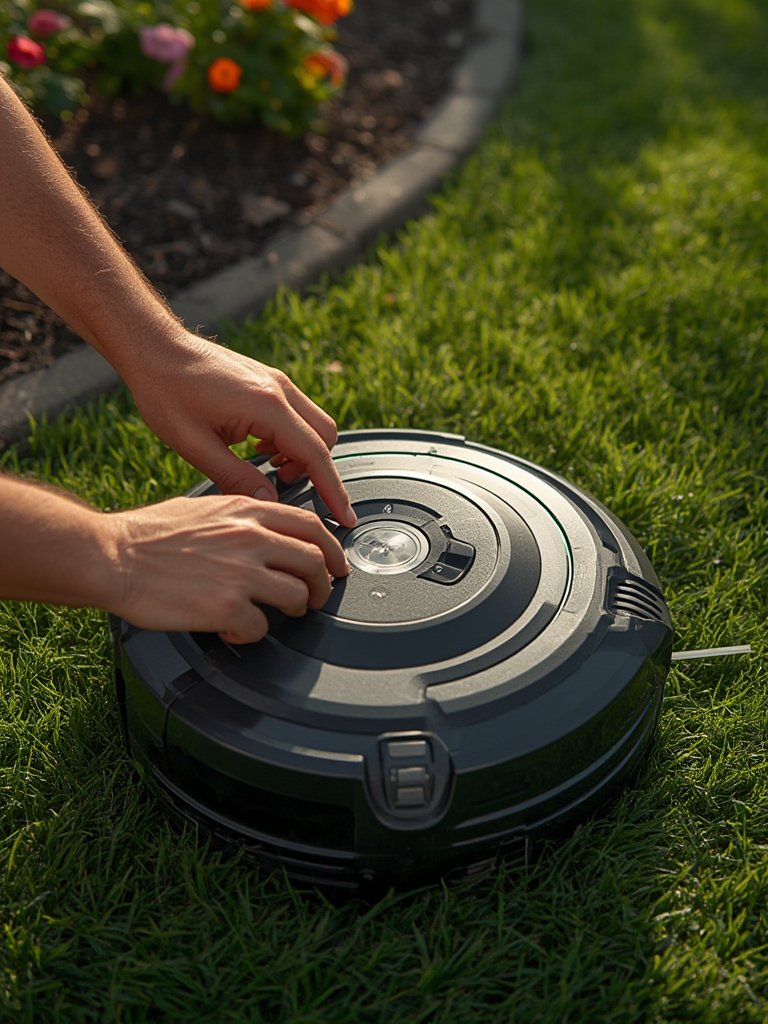
- Tip for smart features: Enable geofencing and alarm options to discourage theft, and activate remote tracking if your mower supports GPS or RTK. Connect with voice assistants (like Alexa or Google Home), but review data-sharing settings for privacy—see more in our section on “Cybersecurity and Data Privacy.”
- Cleaning: Use a gentle brush or compressed air to clear wet clippings from wheel wells and blade area. Never use a hose or submerge unless your model carries a certified IP water-resistance rating.
- Consider solar outdoor lights for your lawn perimeter to make late-day maintenance or troubleshooting easier.
Once your robomower is in, you’ll likely want to re-think furniture and landscape placement. Using modular outdoor furniture not only enhances your space, it makes it easier for the mower to navigate without obstacles or repeated stops.
Advanced Analysis & Common Pitfalls: What Could Go Wrong?
Even with the latest smart lawn robot, you’ll face some recurring challenges—some surprising, others predictable. Here’s what recent research and real user reviews reveal.
| Problem Area | Typical Issues | How to Reduce Risk |
|---|---|---|
| Boundary wire / navigation | Signal loss, frequent gets stuck, narrow passage confusion | Careful wire layout, use virtual-boundary or camera-based mowers if possible, test above ground first |
| Battery & sensors | Battery lifespan drops after 2-4 years, unexpected shutdowns, missed coverage in shady or cluttered areas | Budget for replacement, choose a model rated for your lawn size and complexity, check firmware for mapping improvements |
| Maintenance & repair costs | Blades dull quickly on tough patches, accessories (wire, connectors) add up, out-of-warranty parts expensive | bulk buy blades, learn DIY fixes, review warranty/service plan before purchase |
| App & connectivity | Unreliable Wi-Fi in far gardens, buggy apps, security worries with GPS/voice controls | Place router or extender near yard, check software update history, review manufacturer privacy controls |
| Lawn finish | Scalping on bumps/slopes, border uncut, patchiness in heavy shade | Fill holes and level before install, use a trimmer or edge tool for final edge, adjust program for shaded growth patterns |
Lawns with slopes, many obstacles or very intricate shapes challenge most robotic mowers—especially those relying on boundary wires, which still control over 65% of the market [source]. Heavy rainfall, soft turf, or lots of pinecones amplify the risk of stoppages and undercarriage jams. For small and irregular lawns, setup takes just as long as for large yards, and the extra turns sometimes cause visible damage or missed spots.
Pay close attention not just to the sticker price, but the total cost of ownership over several years. Blades, batteries, repairs, and even accessories like boundary wire can add up. Plan for a $250 battery every 2–4 years, and factor blades at $30–100 per season. Versus a corded or cordless lawn mower, robots are costlier, but the tradeoff is your time and labor.

If you’re after minimal maintenance and automation, combining a self mowing lawn mower with compost tumblers for grass clippings creates a low-intervention, eco-friendly yard setup that’s hard to beat.
One overlooked angle: cybersecurity and privacy. As robots gain voice controls and GPS, ensuring secure Wi-Fi setups, encrypted updates, and vendor data transparency matters. Choose models from reputable brands with clear security documentation—especially if your mower logs “home” location or integrates with smart speakers.
For a deep dive into market numbers, see this comprehensive robotic lawn mower research report.
Conclusion
Robot lawn mowers are no longer experimental; they’re a mainstream option in 2024 for anyone seeking hands-off, scheduled lawn care. While setup and learning curves exist—and owning a self mowing lawn mower comes with its own quirks—they pay off handsomely compared to professional mowing services over three to five years and deliver invaluable convenience and time savings. Weigh your property type, readiness for a short burst of DIY, and your tolerance for occasional troubleshooting. With proper planning, a robot lawn mower can be the missing piece in a truly low-maintenance, modern backyard. Ready to transform how you care for your lawn? Get all your key questions answered below, or explore our buyer’s guides for step-by-step help.
FAQ
How much does a robot lawn mower cost in 2024?
Expect a purchase price of $600–1,000 for basic models, $1,000–2,000 for mid-range (typical home lawns), and $2,000+ for premium GPS/AI mowers. Add $30–100 per year for blades and $150–300 for a battery every few years. Professional installation adds another $200–800 if not DIY.
Can robot lawn mowers handle complex or sloped lawns?
They perform best on moderate slopes and open lawns. Steep banks, many obstacles, or divided yards can cause missed spots or frequent stoppages. Premium (vision-based or GPS) robots handle complex layouts better than boundary-wire only models.
Do robot mowers really save money versus hiring lawn care?
Yes, usually within 2 to 3 years for medium/larger lawns compared to regular professional mowing. For small lawns and compared to DIY mowing, the savings are less obvious—robot mowers mainly buy you time and convenience.
How safe are robot lawn mowers for kids and pets?
Most use lift/tilt sensors and cut off the blades if picked up or overturned. Still, supervision is recommended when children or pets are outside. Keep toys and obstacles clear of the mowing path for best results.
What ongoing maintenance do they need?
Plan to check and clean blades monthly, clear debris from wheels and undercarriage, and replace the battery every 2–4 years. Firmware updates and occasional app troubleshooting may be required for smart features.